

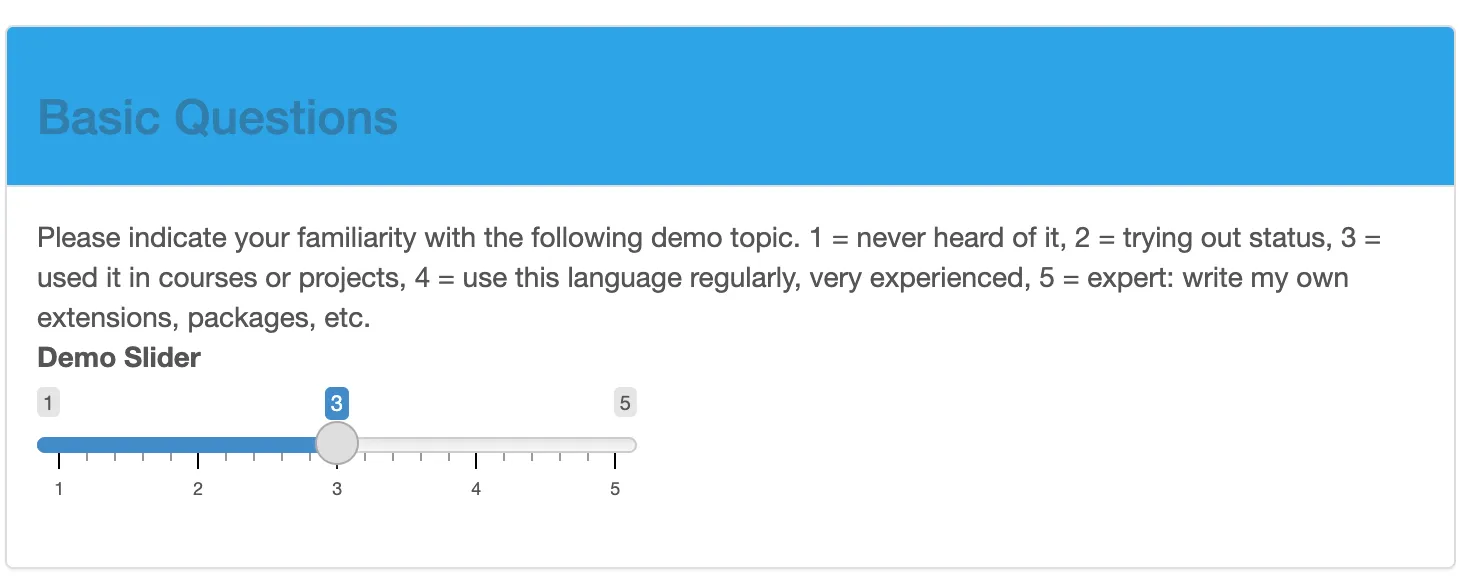
Based on the example from the previous blogpost, while the postgres image that we use is lean and well suited for our production purposes, the rocker/shiny image is quite general and bulky. Hence, we would like to build a custom shiny image instead in this post..
# Base image
FROM devxygmbh/r-alpine:4-3.21

# Install system dependencies (Alpine package manager)
RUN apk update && apk add --no-cache \
    libpq \
    libxml2 \
    libcurl \
    libgit2 \
    postgresql-client \
    postgresql-libs \
    build-base \
    postgresql-dev \
    libxml2-dev \
    libcurl-dev \
    libgit2-dev

# Install R packages
RUN R -q -e 'install.packages(c("shiny", "RPostgres", "shinythemes", "shinyjs", "DBI"), repos="https://cloud.r-project.org")'

EXPOSE 3838

# not actually used, overwritten by `docker-compose.yml`, here just in case the container is used alone, without docker-compose.
CMD ["R", "-e", "shiny::runApp('/srv/shiny-server/survey', host='0.0.0.0', port=3838)"]Base image: devxygmbh/r-alpine:4-3.21 instead of rocker/shiny. First of all, alpine is much lighter base than debian or ubuntu. That is, the image size is much smaller and fewer dependencies make maintenance easier, for example monitoring critical vulnerabilities (CVEs). Keep in mind that docker images get pulled often, and a few hundred MB in image size can reduce traffic and build time substantially.
Explicit system libraries: because fewer sys-libs are pre-installed we need to add postgres drivers, curl and a few other libraries.
ARM vs AMD architecture: DevXY Gmbh provides ARM images to run on modern ARM chipset architecture such as Apple chips from the M1 on, or modern electricity saving servers. Some libraries/binaries are not available for ARM, hence very general prebuilt images from dockerhub (such as rocker/shiny) use AMD. For an extended discussion, see below.
When you’re just getting started, using a convenient base image such as
rocker/shiny is a great choice. It gives you:
However, one trade-off is size. On a laptop with limited disk space, a CI system that pulls images frequently, or a small cloud VM, image size starts to matter:
To showcase this better, here are the sizes for the base images we compare:
Base images:
devxygmbh/r-alpine:4-3.21: 138.3 MBrocker/shiny: 544.9 MBAfter installing all dependencies and R packages:
That’s not just a nice chart for presentations — it’s a practical improvement when you rebuild frequently or run on constrained hardware.
Using a lighter base image such as r-alpine also means:
Exercise: Check Docker Hub for these base images to compare contents, and you will see the reason for the size differences.
You can reproduce these numbers on your machine with standard Docker commands. After building an image, just run:
docker images Docker will show you the image in a table, including a SIZE column.
Docker images must either:
be built for the architecture you’re running, or
be built as multi-arch images.
If an image isn’t available for your machine, Docker Desktop will fall back to CPU emulation using qemu, which works but is slower.
rocker/shiny:
Official build targets amd64
No native arm64 builds
On Apple Silicon → runs via emulation → slower builds and slower runtime (this is what the previous blogpost did with the --platform=linux/amd64 rocker/shiny flag)
Larger, heavier images
Alpine-based R images (devxygmbh/r-alpine):
Typically provide amd64 + arm64 images
Faster native performance on Apple Silicon and arm clouds servers (often cheaper)
Smaller and easier to rebuild locally
Use the following docker-compose.yaml file with the DOCKERFILE from above:
services:
   shiny:
      build:
         context: .
         dockerfile: DOCKERFILE
      container_name: fe_shiny
      restart: always
      ports:
         - "3838:3838"
      volumes:
         - "./shiny-data:/srv/shiny-server/survey"
      command: ["R", "--vanilla", "-e", "shiny::runApp('/srv/shiny-server/survey', host='0.0.0.0', port=3838)"]

   postgres:
      # a name, e.g.,  db_container is instrumental to be
      # called as host from the shiny app
      container_name: db_container
      image: postgres:15-alpine
      restart: always
      environment:
         - POSTGRES_USER=postgres
         - POSTGRES_PASSWORD=postgres # Don't use passwords like this in production
      # This port mapping is only necessary to connect from the host,
      # not to let containers talk to each other.
      # port-forwarding: from host port:to docker port -> mapping
      ports:
         - "1111:5432"
      # if container killed, then data is still stored in volume (locally)
      volumes:
         - "./pgdata:/var/lib/postgresql/data"
With the assumption that you have followed the instructions of the previous blog post & have gotten it to run, all you have to do is:
Start the full stack:
docker-compose up -dOnce the containers are up, visit:
http://localhost:3838From here on your survey behaves exactly as in the original tutorial, only the containers are smaller and more explicit in their dependencies.
If you want to see this Example in action, visit the github.com/h4sci/h4sci-poll directory!